
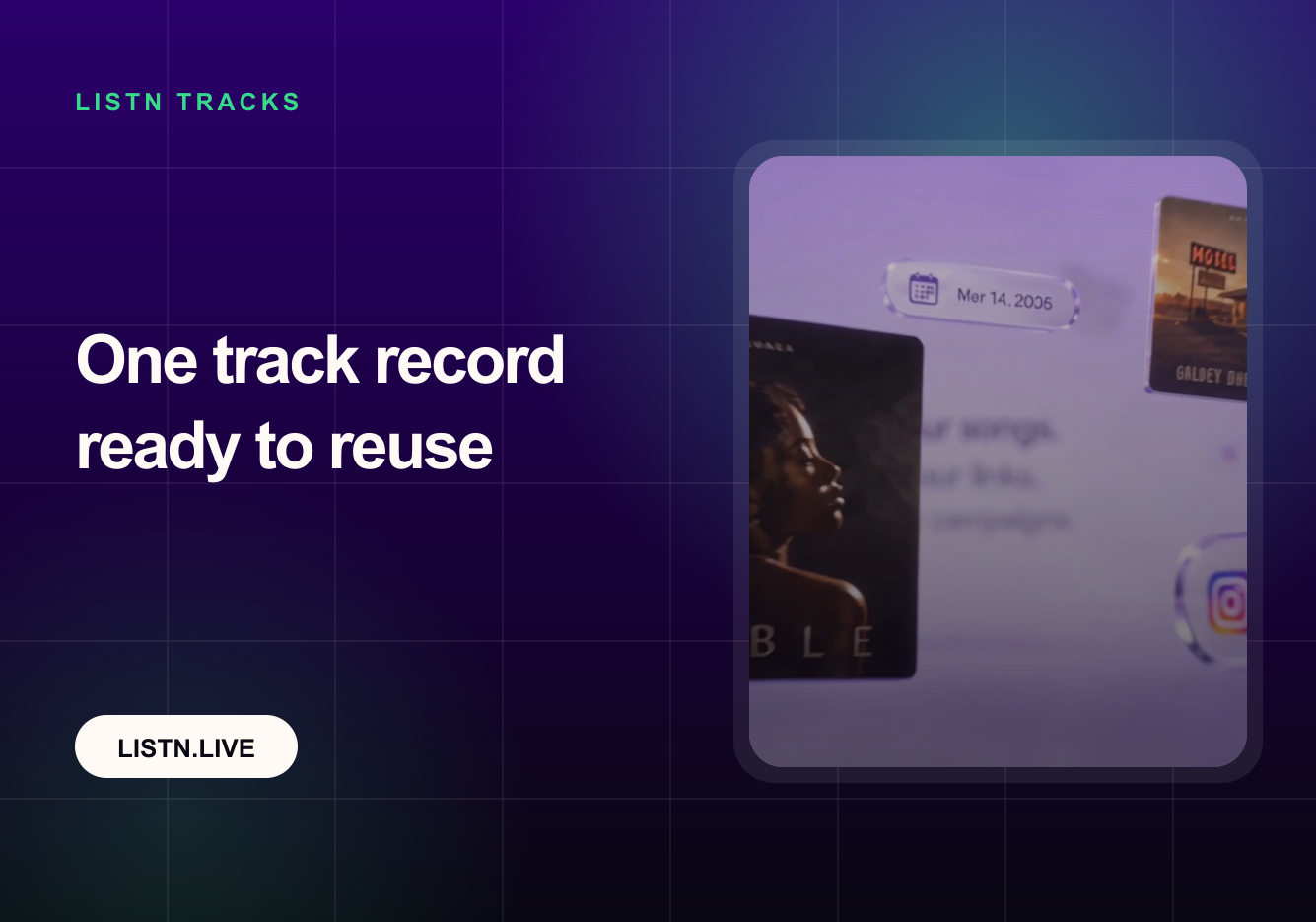
Short answer: LISTN Tracks gives every release a reusable record for the assets that promotion campaigns repeatedly need. Save the verified TikTok and Instagram sound links and the approved radio WAV once, then use the same track setup across future LISTN campaigns.
For an artist with one release, repeating a few links may feel minor. For a label or manager handling several tracks, duplicate setup creates avoidable errors: the wrong version, an unverified social sound, an outdated master or inconsistent campaign naming. LISTN Tracks turns that repeated preparation into a stable part of the release workflow.
What the new Tracks section stores
Each track receives its own record inside LISTN. The record is designed around the promotion assets that need to remain consistent between campaign types:
- Verified TikTok sound link for the intended recording.
- Verified Instagram audio link for the intended recording.
- Approved radio WAV master ready for station outreach.
- A persistent track identity that can be selected again in later campaigns.
The purpose is not to replace your distribution dashboard or digital asset management system. It is to keep the campaign-ready version of the track close to the workflows that use it.
Why verified social sound links matter
A short-form creator campaign depends on creators using the intended audio. Similar titles, remixes, sped-up versions and user-uploaded sounds can make the wrong link easy to select. Saving a verified sound page reduces ambiguity when a campaign is prepared again or handed from one team member to another.
Verification does not guarantee that a platform will keep a URL unchanged or that creators will participate. It gives the team a controlled reference at setup time. If a platform changes the link or the release version, the track record should be reviewed before the next campaign.
Why the approved radio WAV belongs in the same record
Radio workflows need a dependable audio master. Keeping the approved WAV with the track record reduces the risk of attaching a compressed preview, an unfinished master or the wrong edit. The release team can prepare the radio asset once, then select the track when the campaign is ready.
The final responsibility still sits with the rights holder or release team. Confirm the master, metadata, clean version requirements and territorial rights before outreach. LISTN Tracks makes reuse easier; it does not validate every legal or technical requirement automatically.
A repeatable workflow for every release
- Create or select the exact track record for the recording you will promote.
- Add the verified TikTok and Instagram sound links available for that recording.
- Upload the approved radio WAV rather than a streaming rip or compressed reference file.
- Review the record with the person responsible for the release.
- Select the saved track when preparing Creator, Radio or related campaign activity.
- Update the record if a master, edit or platform sound changes.
How Tracks improves multi-campaign work
One source of truth
The campaign operator does not need to search old messages, folders and spreadsheets for the latest link. A shared track record provides a clear starting point.
Faster handoffs
A manager can prepare the record, a label team member can review it, and a campaign operator can select it later. The core assets remain attached to the same release identity.
Fewer version mistakes
Reusing the approved assets lowers the chance of promoting a different mix or social sound by accident. Review is still necessary, especially when multiple versions have similar names.
Better campaign continuity
Creator and Radio activity can begin from the same track foundation. This makes it easier to compare campaign responses without wondering whether different assets were used.
What to check before reusing a track
- The social sound still opens on the intended platform and matches the correct recording.
- The WAV is the approved version for radio promotion.
- The track title, artist and version are unambiguous.
- The release team still controls the rights required for the planned campaign.
- Any clean edit or territory-specific asset requirement has been handled.
Frequently asked questions
Is LISTN Tracks a music distributor?
No. It is a campaign-preparation workspace inside LISTN. Distribution to streaming services remains the responsibility of your distributor or label workflow.
Can the same track be used for more than one campaign?
Yes. Reuse across campaigns is the central purpose of the feature. Review the saved assets before each new launch in case links, masters or requirements have changed.
Does saving a track launch a campaign?
No. The track record prepares the assets. Campaign targeting, scope, budget and confirmation remain separate decisions.
See the LISTN Tracks workflow
Watch the Tracks walkthrough on the new LISTN landing page, then prepare one campaign-ready record for your next release.
Methodology and sources
This product update was written by LISTN and reviewed on August 2, 2026. It is based on the current LISTN Tracks workflow and the public product walkthrough. The record fields and platform requirements may evolve.